



Create a project or open a folder
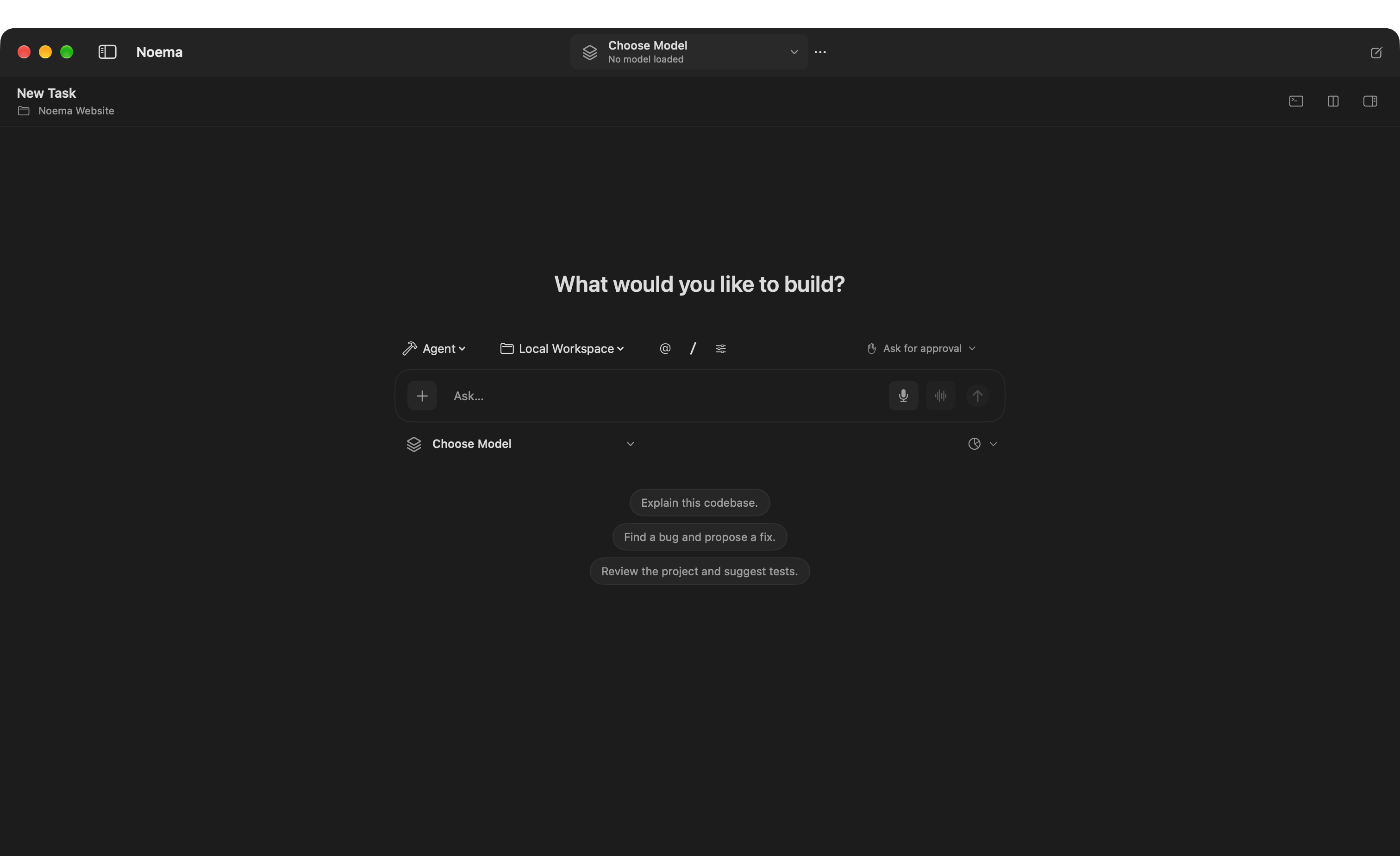
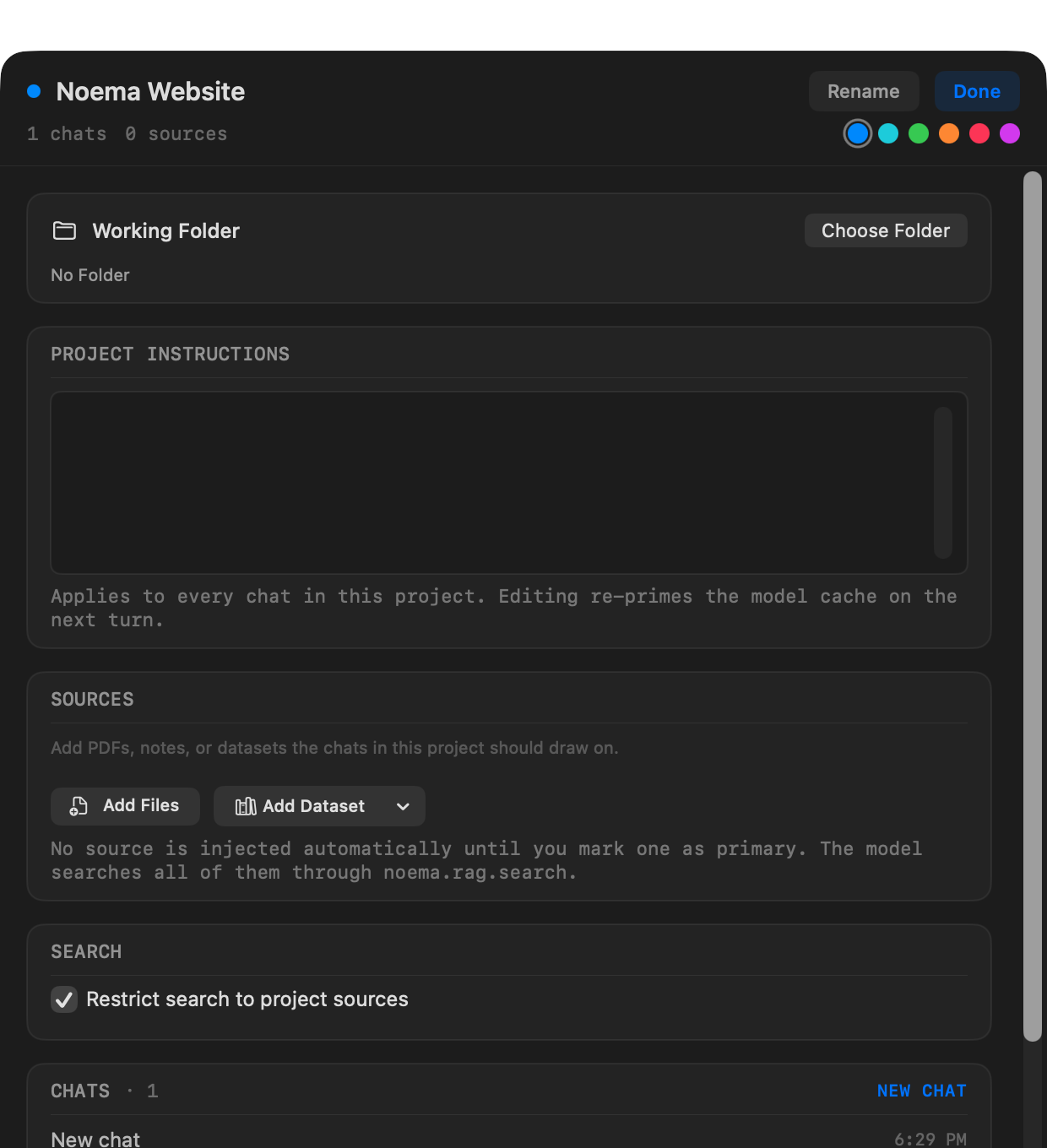
A project can keep chats, shared instructions, sources, and an optional working folder together. Opening a folder can also start a task directly without requiring a separate project.
- Choose New Project to create a named project, or choose Open Folder to begin with an existing directory.
- Add project instructions and sources when every task should share the same context.
- Start a new task, then choose Chat Only, Agent, Plan, or Review beside the composer.
- Select a tool-capable GGUF model or a compatible remote endpoint when the task needs workspace tools.
Choose the task mode
| Mode | Workspace access | Best for |
|---|---|---|
| Chat Only | No workspace tools | Ordinary conversation without project actions. |
| Agent | May read, edit, and request commands under the selected approval policy | Implementing, testing, and completing project work. |
| Plan | Read-only; cannot change files or run commands | Understanding a codebase and proposing an approach. |
| Review | Read-only; cannot change files or run commands | Inspecting code and reporting correctness or regression risks. |
Control approvals
The approval menu is independent from the task mode. Plan and Review always remain read-only. Agent offers the policies available in the installed Mac edition.
| Policy | Behavior |
|---|---|
| Ask for approval | Ask before file changes and commands. Commands remain inside the workspace without network access. |
| Approve for me | Allow workspace edits and recognized read-only commands; ask before other commands. |
| Full access | Direct Mac edition only. Allow commands, network access, and files macOS permits without action prompts. |
Inspect the work
- Use Activity to follow file reads, searches, edits, commands, questions, plans, and decisions.
- Open Files to search the project and move among editor tabs.
- Open Review Changes for Git-aware comparisons before keeping the result.
- Completed runs keep checkpoints when the workspace can be captured safely; restoration refuses to overwrite files that changed afterward.
App Store and direct Mac editions
| Capability | App Store | Direct from Noema |
|---|---|---|
| Project files | User-selected folders inside App Store sandbox boundaries | Folders and files macOS permits |
| Terminal and Git commands | Unavailable | Available with the selected approval policy |
| MCP | Remote HTTPS servers | Remote HTTPS and local MCP server processes |
| Full Access | Unavailable | Optional |