



Noema for Mac · Direct edition
Noema for Mac, with terminal, Git and local MCP tools.
The Direct edition is a signed and notarized download from NoemaAI. It is the same app as the App Store edition, with approved terminal commands, Git review, local MCP servers and access to folders beyond the App Store sandbox.
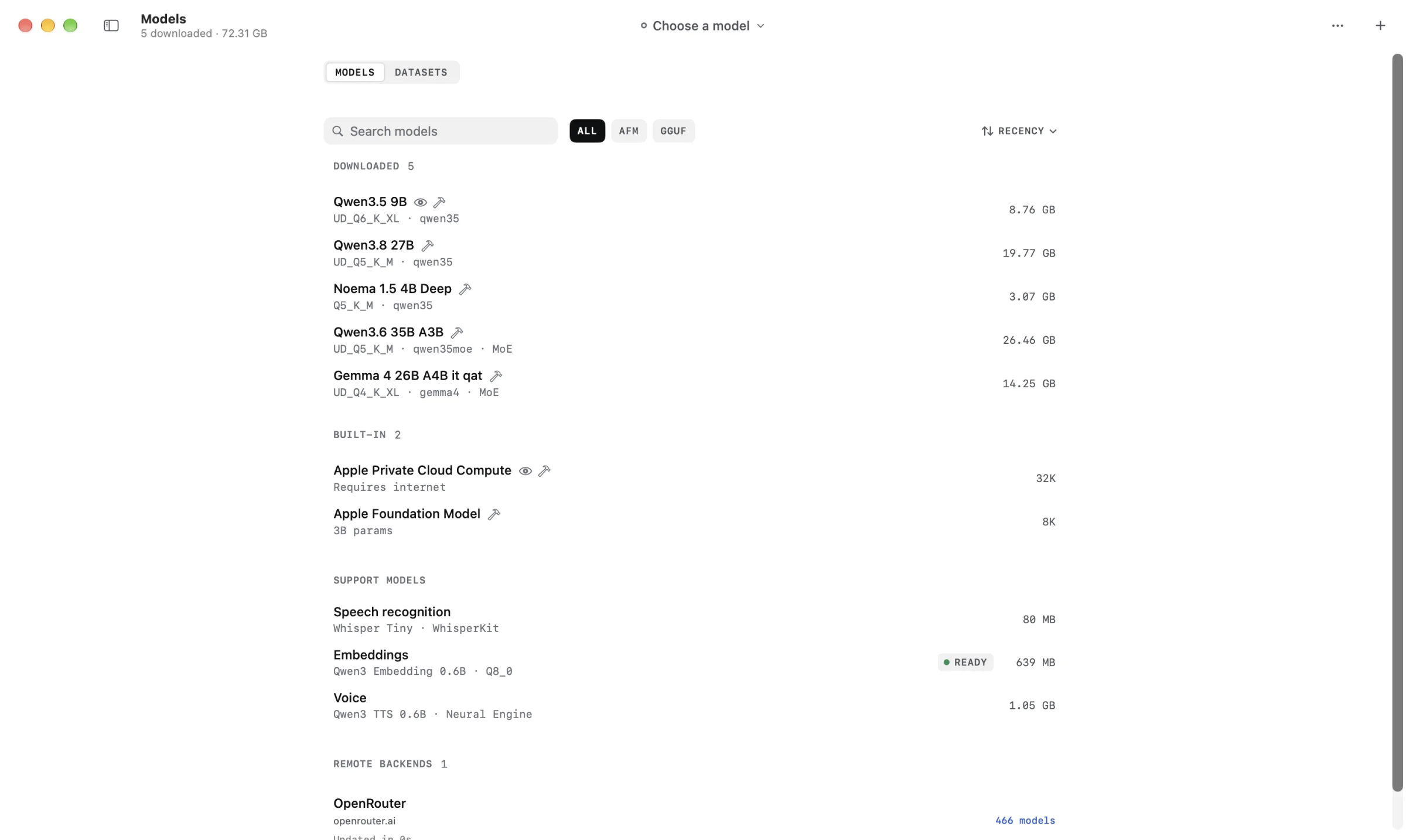
Projects and Agent
The coding loop stays visible.
Project context, agent activity, approvals and review share one native workspace.
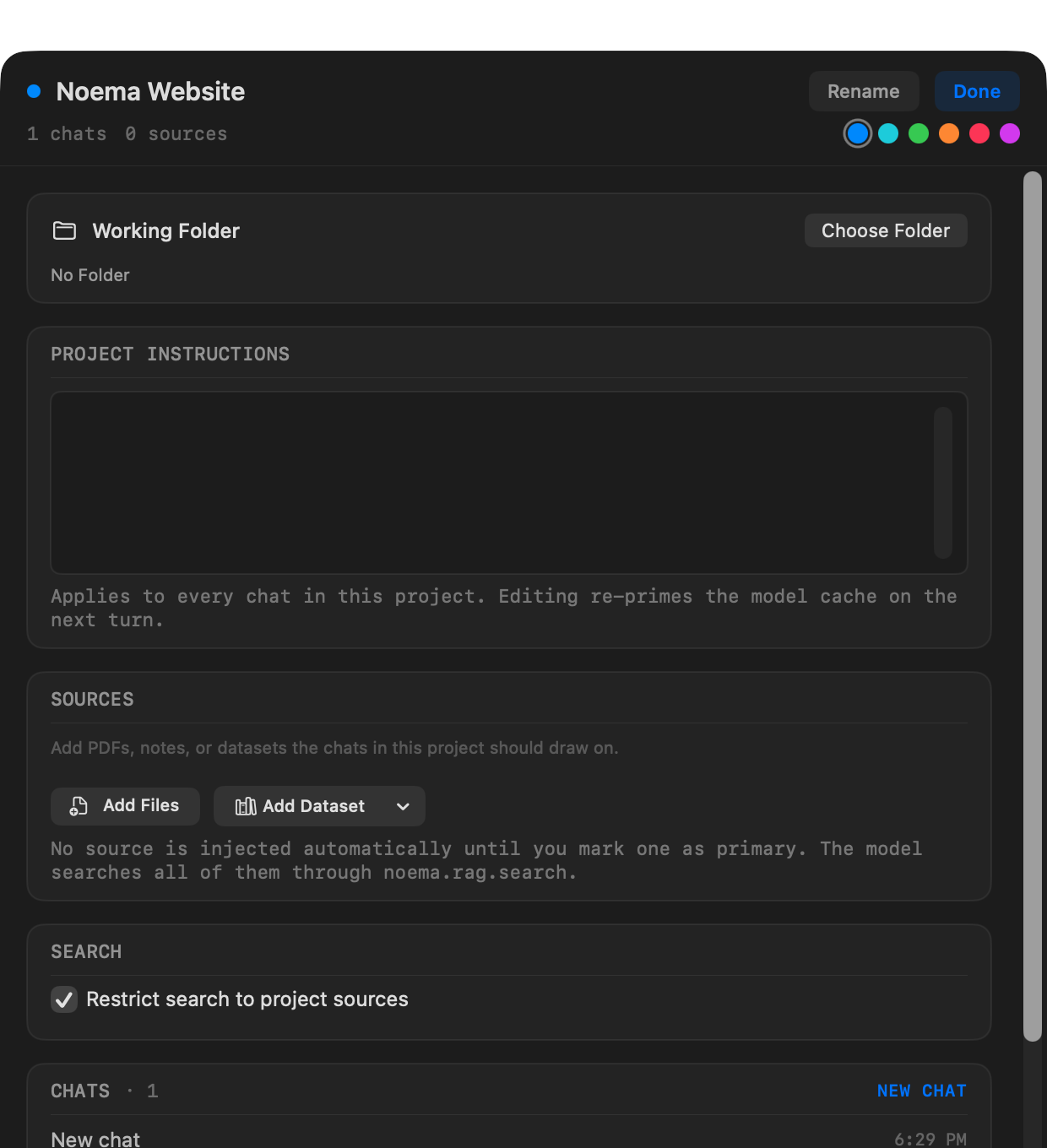
Projects with memory
Keep a working folder, chats, shared instructions and sources together.
Files in the same view
Search, open and edit project files without leaving the task.
Visible agent work
Follow activity, review changes and restore a checkpoint when needed.
Explicit permissions
Choose when Noema asks, what it may edit and whether commands can run.
Choose how much Noema may do
Start a task, then choose a mode beside the composer. Plan and Review are always read-only.
| Mode | Workspace access | Best for |
|---|---|---|
| Chat | No workspace tools | Ordinary conversation without project actions. |
| Agent | Reads, edits and requests commands under your approval policy | Implementing, testing and finishing project work. |
| Plan | Read-only; cannot change files or run commands | Understanding a codebase and proposing an approach. |
| Review | Read-only; cannot change files or run commands | Inspecting code and reporting correctness or regression risks. |
Permission before action
You approve before anything runs.
The approval policy is separate from the task mode. Review proposed edits before they are written, approve the exact command and keep only the changes you want.
| Policy | Behavior |
|---|---|
| Ask for approval | Asks before file changes and commands. Commands stay inside the workspace without network access. |
| Approve for me | Allows workspace edits and recognized read-only commands; asks before other commands. |
| Full access | Direct edition only. Allows commands, network access and files macOS permits without action prompts. |
Activity
Follow file reads, searches, edits, commands, questions, plans and decisions.
Review changes
Open Git-aware comparisons before keeping the result.
Checkpoints
Completed runs keep checkpoints when the workspace can be captured safely. Restoring refuses to overwrite files that changed afterward.
From your iPhone or iPad. With Remote Control on, you can send to a Mac coding chat, follow its progress and approve edits and ordinary commands from another device. Destructive commands, always-allow rules and network access are still approved on the Mac. Remote Control guide
Edition comparison
Same app. Different system boundaries.
Both Mac editions run local models. The Direct edition adds workflows that don't fit inside the App Store sandbox. You can change editions later.
| Capability | Direct Mac edition | App Store edition |
|---|---|---|
| Install and updates | A signed and notarized download from NoemaAI with optional signed update checks. | Apple-managed installation, verification and update delivery. |
| Supported devices | Apple silicon Mac · macOS 26 or later | iPhone and iPad on version 18 or later; Mac and Apple Vision Pro on version 26 or later. |
| Projects and files | Works with folders macOS permits, including paths beyond the App Store sandbox. | Works with project files you select inside the App Store sandbox. |
| Terminal and Git | Runs approved project commands and provides Git-aware comparison and review. | Does not run local shell commands; points to the Direct edition when they are needed. |
| MCP tools | Launches local MCP server processes and connects remote HTTPS servers. | Connects remote MCP servers over HTTPS; cannot launch local server commands. |
| Full access mode | Optional. Allows network and broader file access without per-action prompts. | Unavailable; file work stays inside the App Store sandbox. |
Managed install or the full Mac workbench.
The App Store edition installs on iPhone, iPad, Mac and Apple Vision Pro. The Direct edition is for Macs that need terminal, Git and local MCP tools.